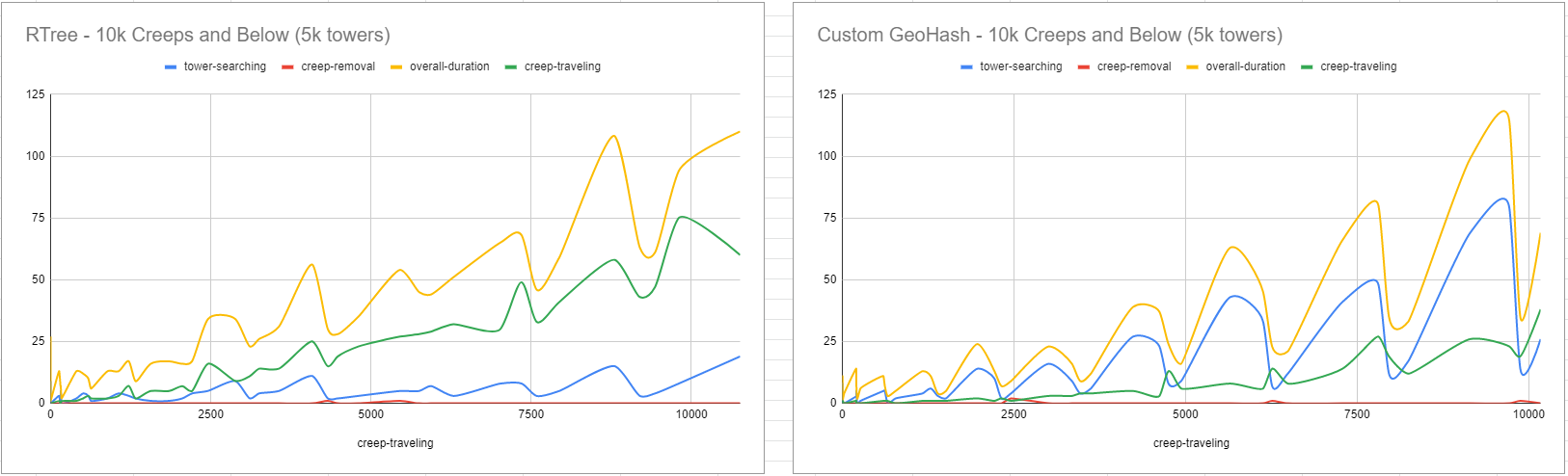
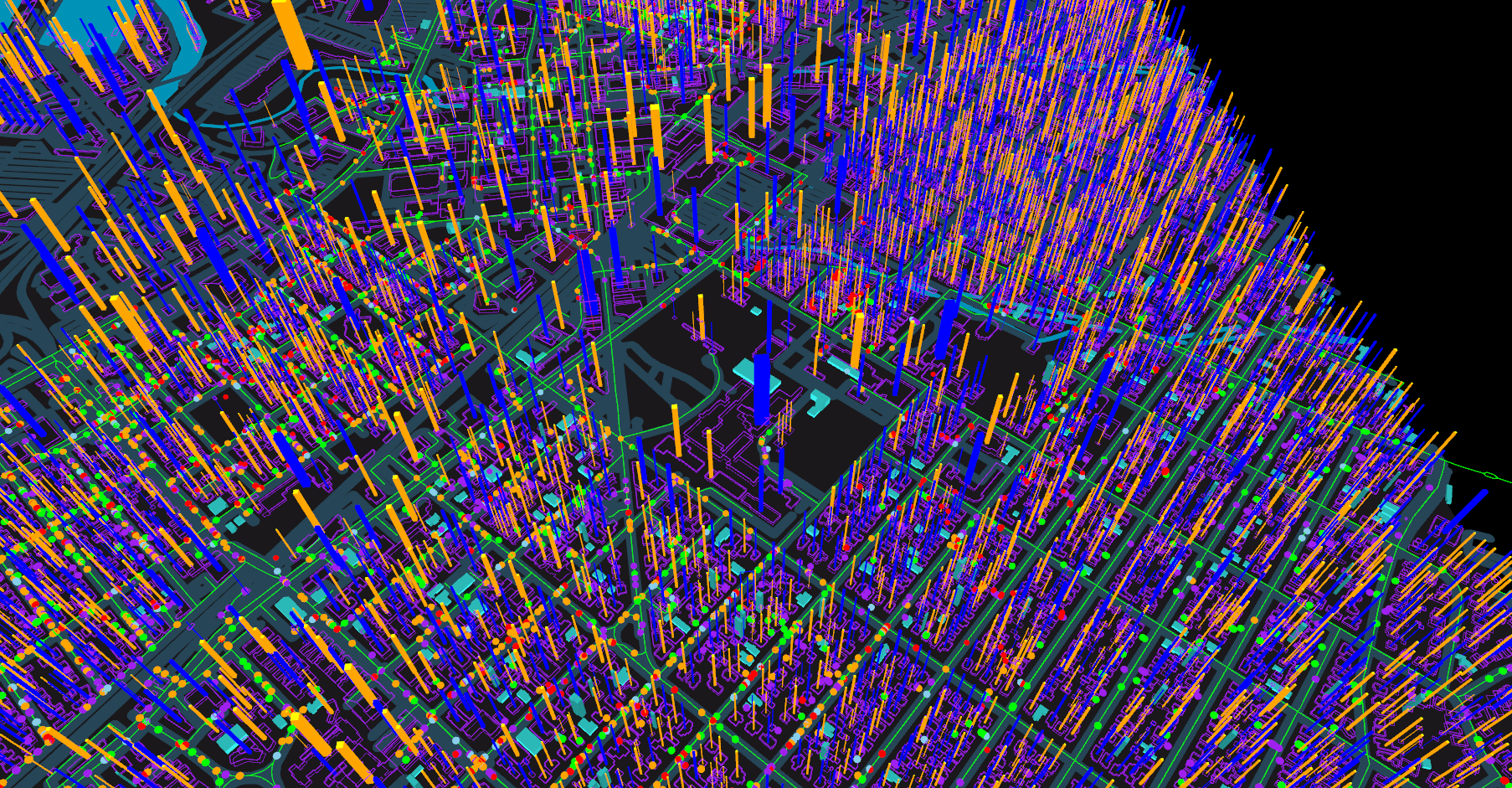
First pass of geospatial query engine works! I’ve verified its accuracy down to a few feet.
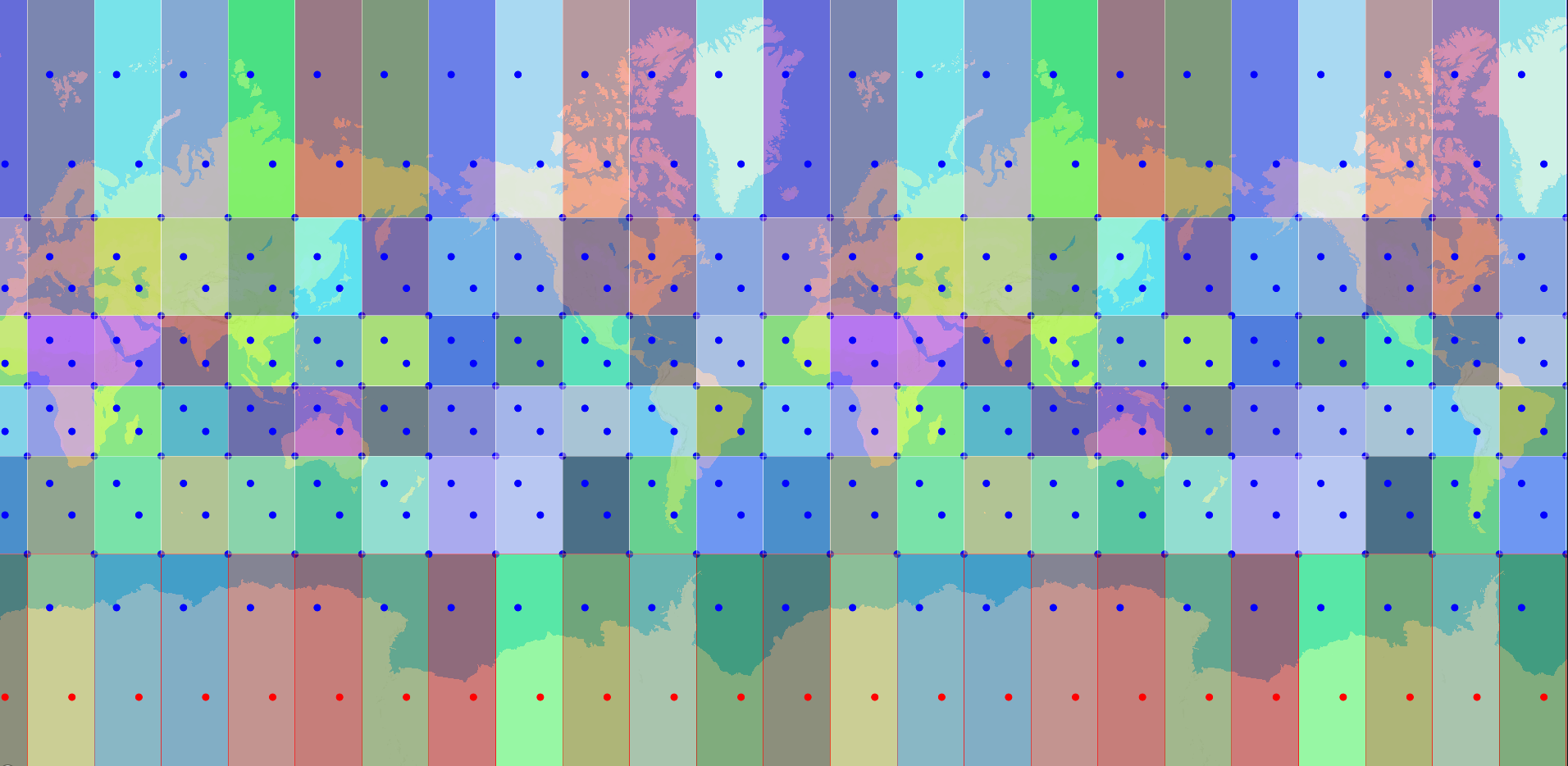
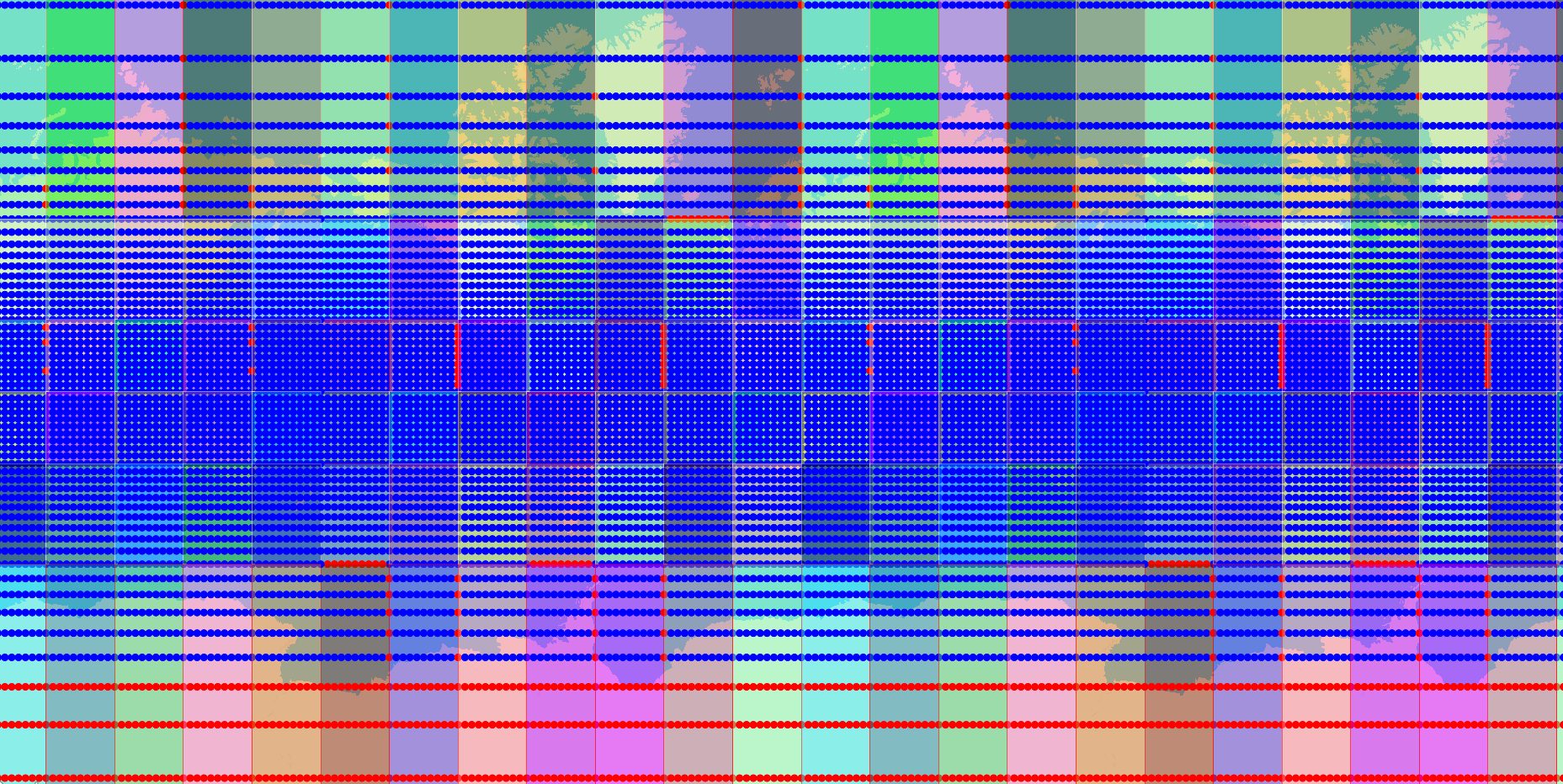
Here is an example of the “optimized” search API where when you store an object with a range, it pre-calculates the nodes in the grid that that node can reach by calculating its bounding box, rather than doing the search every time. Also, it is not immutable like the RTree library. One downside of the RTree I was using was that every add or delete created a new tree, which meant constructing a new tree every time a creep moved, spawned, or reached its destination. This was still fairly fast, but a mutable data structure has the opportunity to be much faster (with the downside of having to deal with concurrency, but the engine handles that).
We also have the advantage of having to move creeps between “nodes” in this structure much less often, so less moving memory around and potential cache misses.
    GridIndex<PositionDouble> positionGridDB = new GridIndex<>(15); // 15 = slippy tile zoom level
    Tower tower = new Tower();
    tower.range = 30;
    tower.position = new Position(10, 10);

    PositionDouble positionA = new PositionDouble(10, 10);
    PositionDouble positionB = new PositionDouble(10.0 + PositionUtil.metersToWorldDegrees(29), (10.0 + PositionUtil.metersToWorldDegrees(29)));
    PositionDouble positionC = new PositionDouble(10.0 + PositionUtil.metersToWorldDegrees(35), (10.0 + PositionUtil.metersToWorldDegrees(35)));

    CellItem<PositionDouble> resultA = positionGridDB.addRanged(positionA, positionA, tower.range);
    positionGridDB.addRanged(positionB, positionB, tower.range);
    positionGridDB.addRanged(positionC, positionC, tower.range);

    List<PositionDouble> positions = positionGridDB.searchRangedMetersInCells(positionA, tower.range, resultA.cellIdsIntersecting);
    assertEquals(2, positions.size());
    assertTrue(positions.contains(positionA));
    assertTrue(positions.contains(positionB));
Here I’m doing a weird thing and storing the Position objects themselves in the structure. How it will work in the real world is a bit different - you have separate grids for Towers and Creeps, but they are joined. When you add a ranged item to the Tower grid, you get back the cells that the tower can reach. When you query the Creep grid, you pass in those cell ids to optimize the query, at the expense of memory.
Remaining work:
- Switch back end to this new structure, with a feature flag.
- Using feature flag, benchmark old vs new implementations.
- Re-test client vs server accuracy